How it works
- Pick the target language in the list of styles.
- Dictate in your own language, naturally.
- The translated text is written in the field, ready to send.
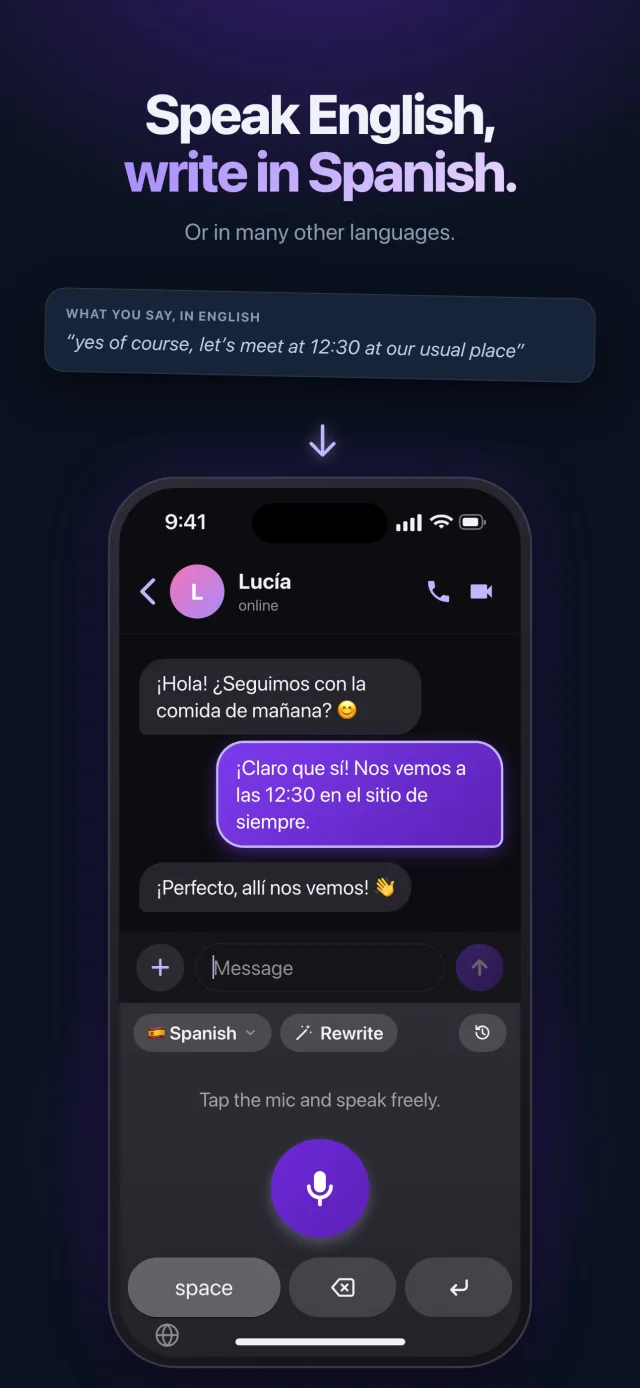
An example
What you say
“um so I’m gonna be late tonight, my train’s stuck in Lyon, start eating without me, and save me a slice of pie please”
What gets written
今夜は遅れます。電車がリヨンで止まっています。先に食べ始めていてください。パイをひと切れ残しておいてくださいね!
A natural message, not word for word
As with any dictation, Saymila first removes the hesitations and repetitions: the translation starts from clean text, and reads like a message written in that language from the start.
Wherever you type
In every app, on iPhone, Android, Mac and Windows: WhatsApp, email, Slack, LinkedIn… On your phone with the Saymila keyboard, on your computer with a shortcut.
Frequently asked questions
Which languages can it translate into?
Many, including English, French, Spanish, German, Italian, Portuguese and Japanese.
Can I translate text I already wrote?
Yes: pick the language in the styles, then tap “Rewrite” to translate the text in the field.