How it works on iPhone
- Install Saymila from the App Store: the app walks you through turning on its keyboard.
- In any app, tap a text field and switch to the Saymila keyboard.
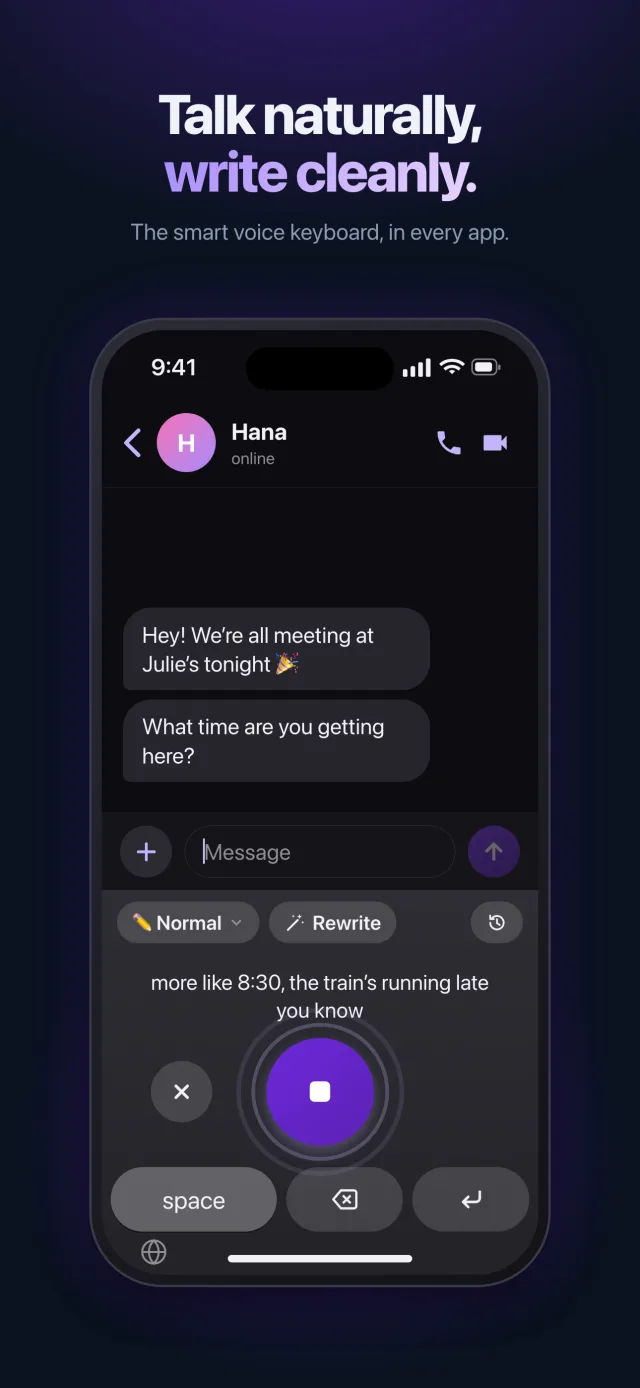
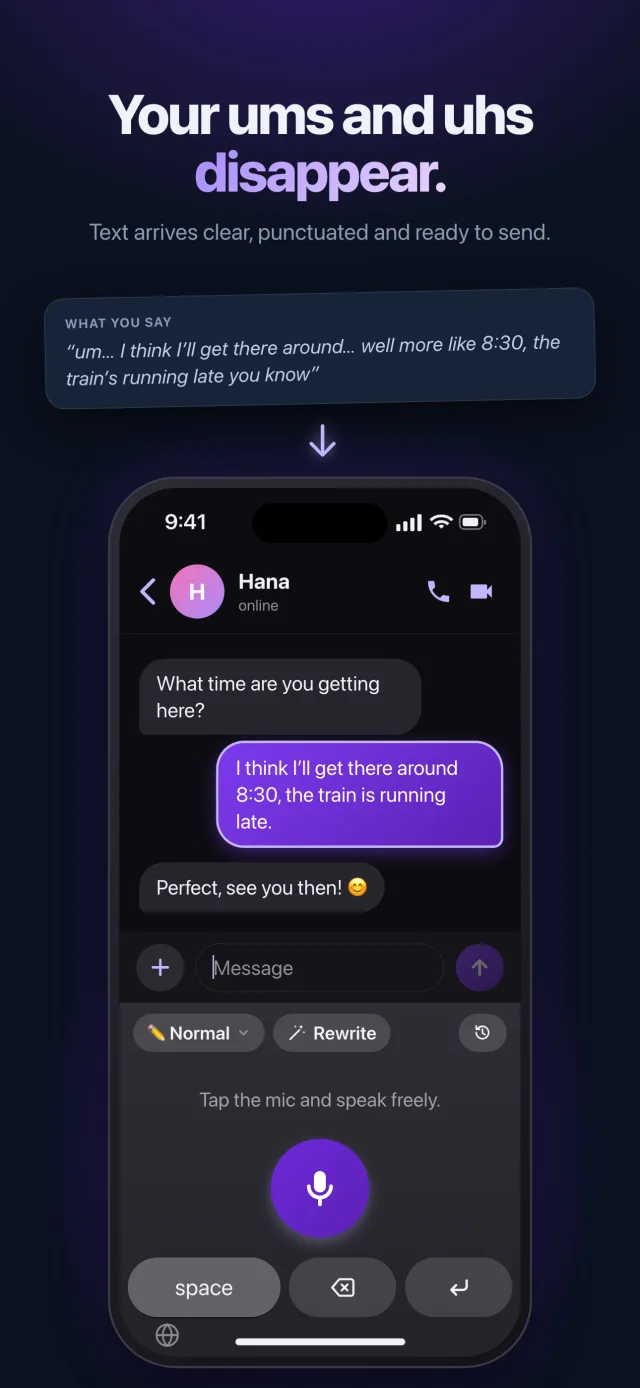
- Tap the mic and talk naturally, hesitations and all.
- The corrected text lands in the field, ready to send.
It works anywhere the keyboard shows up: Messages, WhatsApp, Mail, Notes, Slack, LinkedIn… except password fields.
Your voice stays on your iPhone
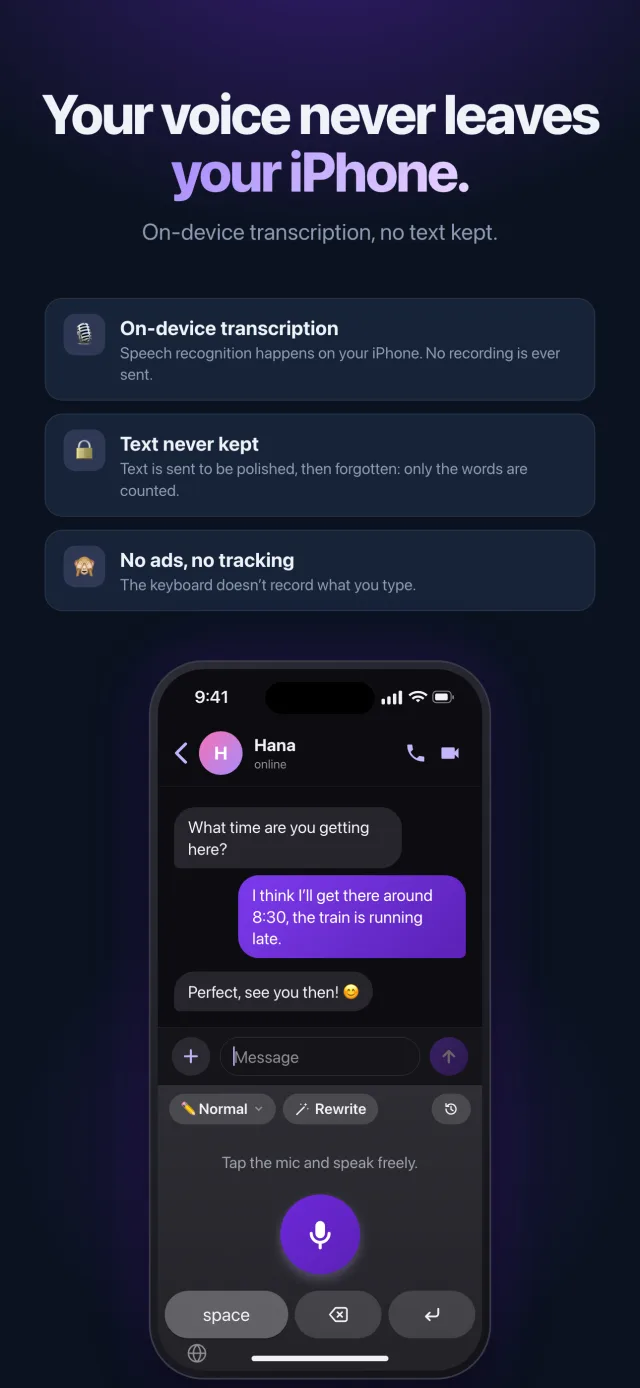
Speech recognition is done by iOS, on your iPhone: no audio recording is sent or kept. Only the transcribed text goes to our server to be cleaned up, and it is never stored there. Your history stays on your iPhone.
Why Full Access?
On iPhone, a keyboard needs “Full Access” to pass text to its app. That is all Saymila uses it for: nothing you type is collected.
What else it does
- Styles for every message: pro email, text message, formal, summary, bullet list, diplomatic, or just for fun.
- Translation: speak your own language, the text comes out in French, Spanish, Japanese…
- The “Rewrite” button: text you already typed, cleaned up in one tap.
- “My Words”: the spelling of first names, names and brands that dictation gets wrong.
Frequently asked questions
Which iOS version do I need?
iOS 26 or later, on iPhone.
Does my subscription work on my other devices?
Yes: with the same account, a subscription bought on iPhone also applies on a Mac, Android and Windows.
Is Saymila free?
The free plan gives 1,000 words a week, with no ads. The Plus and Pro subscriptions give more, up to unlimited.