How it works
- Put your cursor in your Word document or your Outlook email.
- Hold the right Ctrl key on Windows, the right Option key on a Mac (or the one you pick).
- Talk naturally, hesitations and all.
- Let go: the corrected text is typed where the cursor is.
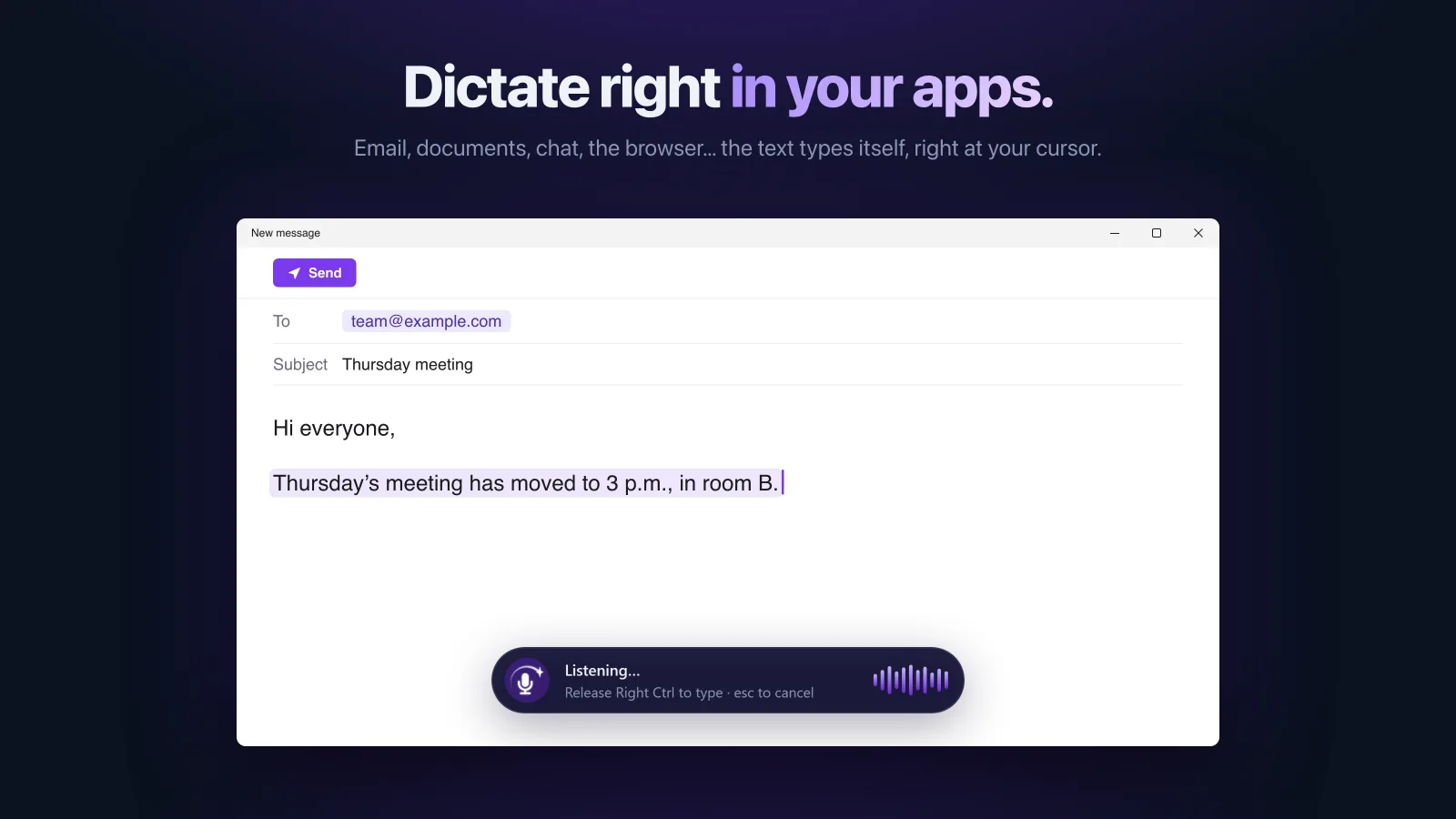

Nothing to install in Office
Saymila is not a Word add-in: it is an app that types wherever your cursor is. So it works in Word, Outlook, Teams, PowerPoint or OneNote, and in their online versions too, in your browser.
An email ready to send
With the Pro Email style, a few sentences said out loud become a complete message.
“um hello, I’m sending the contract back, I mean the new version, corrected, let me know if it works for you, and uh we could sign on Friday”
Hello, I am sending you the new, corrected version of the contract. Please let me know if it works for you; we could sign on Friday. Kind regards,
For longer documents
Dictate one paragraph at a time: let go of the key and it is typed. The Formal style gives more formal text, Summary and Bullet List get to the point. And “My Words” keeps the names of your customers and products spelled right.
Your voice stays on your computer
On Windows as on a Mac, speech recognition happens on your computer: no audio recording is sent or kept. Only the transcribed text goes to our server to be cleaned up, and it is never stored there.
Frequently asked questions
Do I need a Microsoft 365 subscription?
No. Saymila works with every version of Word and Outlook, since it simply types wherever your cursor is.
Does it work in Word online?
Yes, in your browser, as on any page you can type in.
What about phones?
Yes: in the Word and Outlook apps for iPhone and Android, you dictate with the Saymila keyboard.