The Pro Email style
Talk as you would to a colleague, hesitations and all. Saymila writes a complete email: greeting, clear paragraphs, sign-off.
“um so I’m gonna be late tonight, my train’s stuck in Lyon, start eating without me, and save me a slice of pie please”
Hello everyone, My train is currently held up in Lyon, so I will be late this evening. Please feel free to start the meal without me. I would be grateful if you could save me a slice of pie. Kind regards,
The right tone for every email
- Formal, for a customer or an administration.
- Diplomatic, for a delicate message.
- Firm, for a follow-up that has to get results.
- Summary and Bullet List, to get to the point.
With the Plus and Pro plans, you can also write your own styles: for example, emails to your team, always casual and signed with your first name.
In your usual mail app
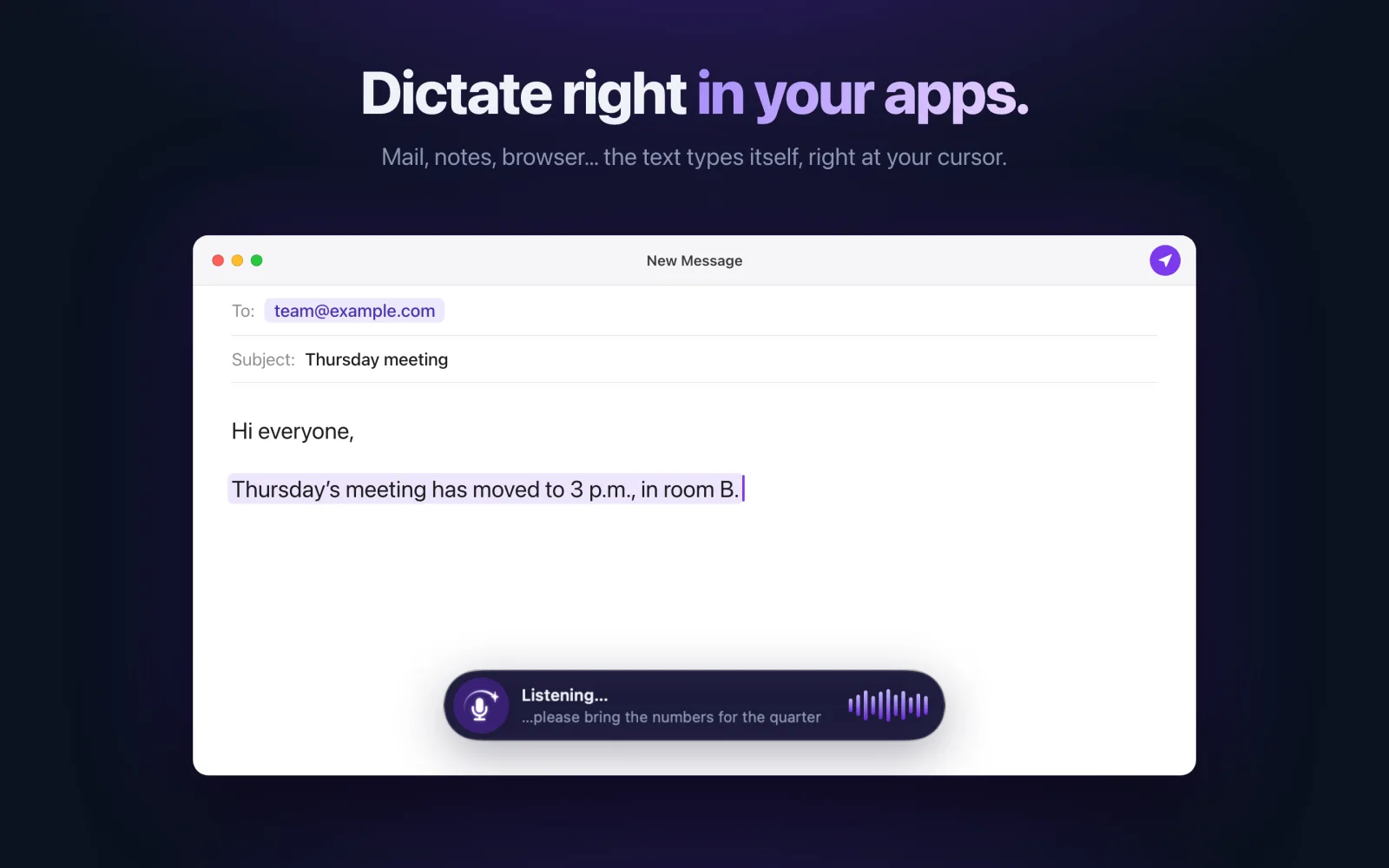
Gmail, Outlook, Mail: Saymila writes in the field you are in, on your phone with its keyboard, on a Mac and on Windows with a shortcut. And “My Words” keeps the names of your customers and products spelled right.
Frequently asked questions
Are my emails stored?
No. The text is cleaned up on our server, which forgets it right away: it never records it, not in a database, a file or a log. Your history stays on your device.
Does it work in Gmail and Outlook?
Yes, anywhere you can type: on your phone with the Saymila keyboard, on a Mac and on Windows with the shortcut.