How to do it
- Open your email or your document, and place your cursor.
- Pick the style: Bullet List for clear points, Summary for the essentials, Pro Email for a complete message.
- Dictate what you remember: the decisions, who does what, the dates.
- Read it over, add what is missing, send.
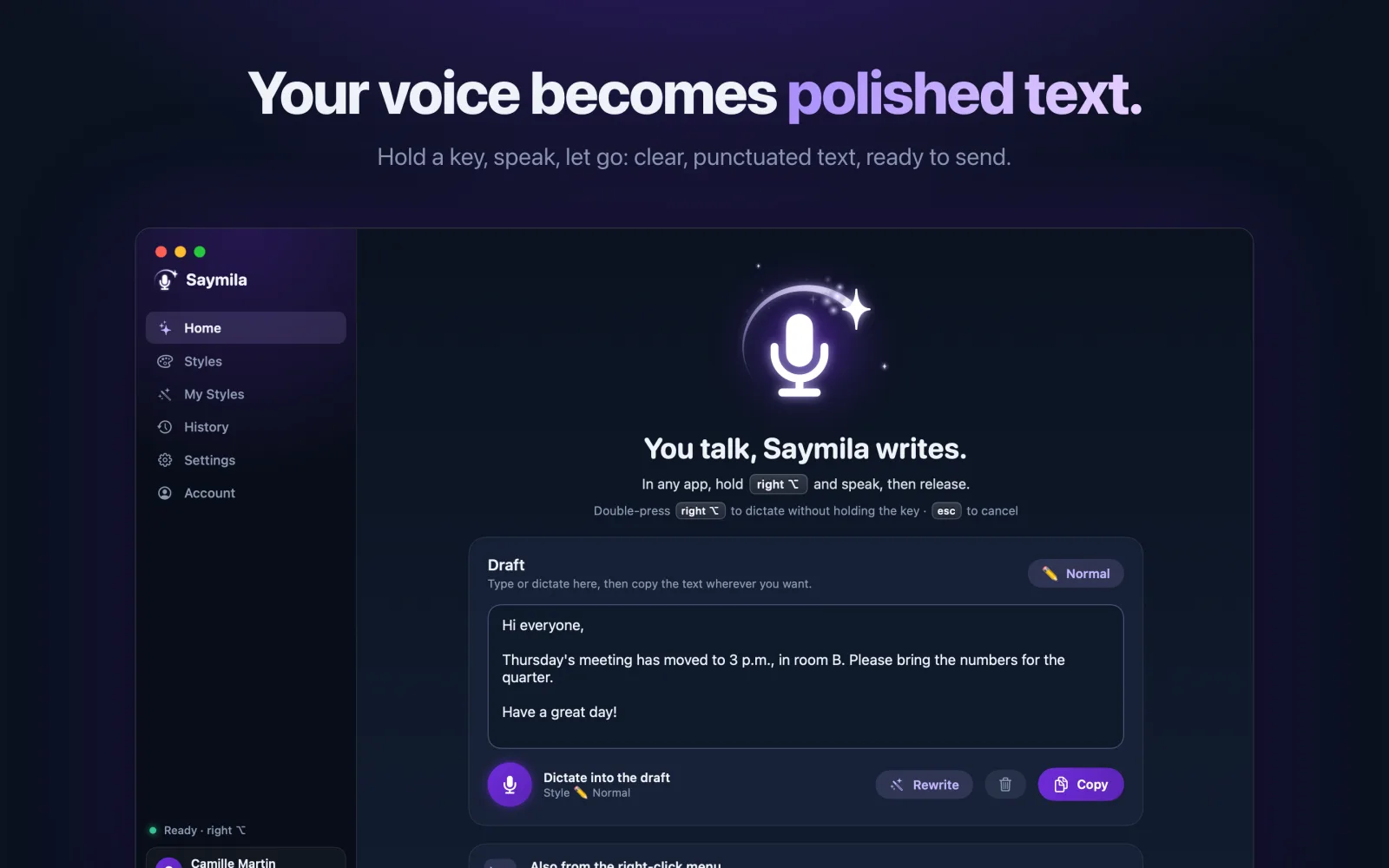
An example, with the Bullet List style
“okay so we decided to push the launch to the 15th, um Mary’s handling the quote, she’ll send it before Friday, and I, well I need to call the client back, and oh yeah, next meeting Tuesday at 10”
• Launch pushed to the 15th. • Mary sends the quote before Friday. • I call the client back. • Next meeting: Tuesday at 10 a.m.
Always the same layout, with your own styles
With the Plus and Pro plans, you can write your own style: for example, notes always sorted into “Decisions”, “Action items” and “Next meeting”. Pick it, dictate, and the layout follows.
What Saymila does not do
Saymila does not record the meeting or transcribe it: it cleans up what you dictate afterwards. Nothing the others say is captured.
On your computer and on your phone
On a Mac and on Windows, hold a key and talk, in your mail app or your word processor. On your phone, dictate with the Saymila keyboard on your way out of the room.
Frequently asked questions
Can Saymila record and summarize a meeting?
No. Saymila only captures your dictation, while you hold the key or after you tap the mic. You tell the meeting, it writes it cleanly.
Is the free plan enough?
Often, yes: dictated notes are a few hundred words, and the free plan gives 1,000 a week.
Will my colleagues’ names be spelled right?
Add them to “My Words”: Saymila will spell them the right way.