How it works
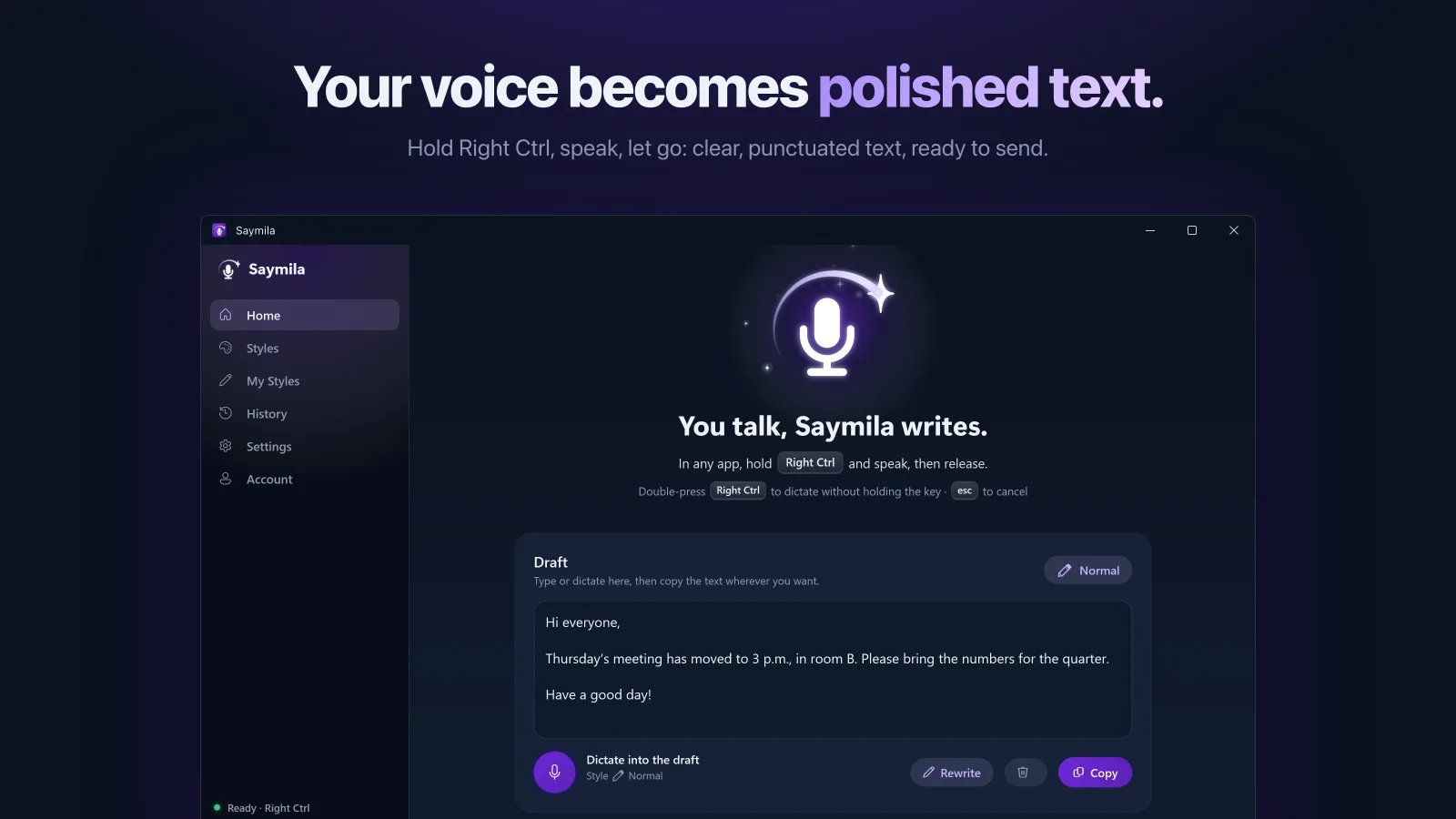
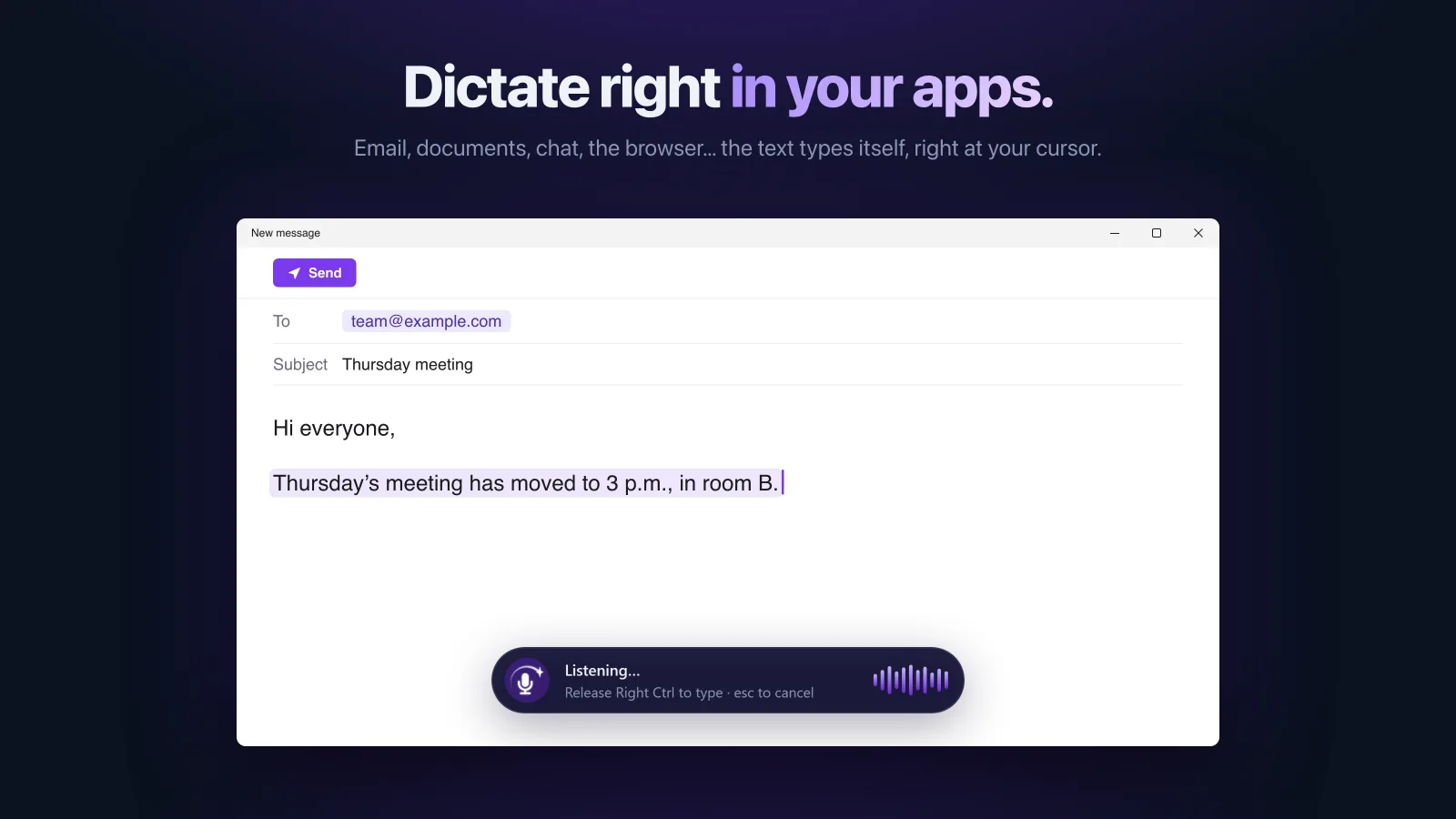
- Hold the right Ctrl key (or the one you pick).
- Talk naturally, hesitations and all.
- Let go: the corrected text is typed wherever your cursor is.
No keyboard to install: Saymila works in every app you can type in.
Speech recognition, on your PC
Saymila recognizes your voice itself, on your PC, with Whisper, an open-source speech recognition model that runs entirely on your computer. It downloads once, the first time you open the app. No audio recording is sent or kept.
Only the transcribed text goes to our server to be cleaned up, and it is never stored there.
One account everywhere
You sign in with the same account (Apple or Google) as on your phone or your Mac: your plan, your styles and your word count follow you. The Windows app does not sell subscriptions: get Plus or Pro on iPhone, Mac or Android and it applies on your PC too.
A style for every message
Pro email, formal, summary, bullet list, diplomatic… or just for fun. And translation: speak your own language, the text comes out in another.
Frequently asked questions
Which Windows versions?
Windows 10 and 11, 64-bit.
Where do I download Saymila for Windows?
From the Microsoft Store.
Does it need an internet connection?
Yes, to clean up the text, which happens on our server. Recognizing your voice, though, happens on your PC.