How it works
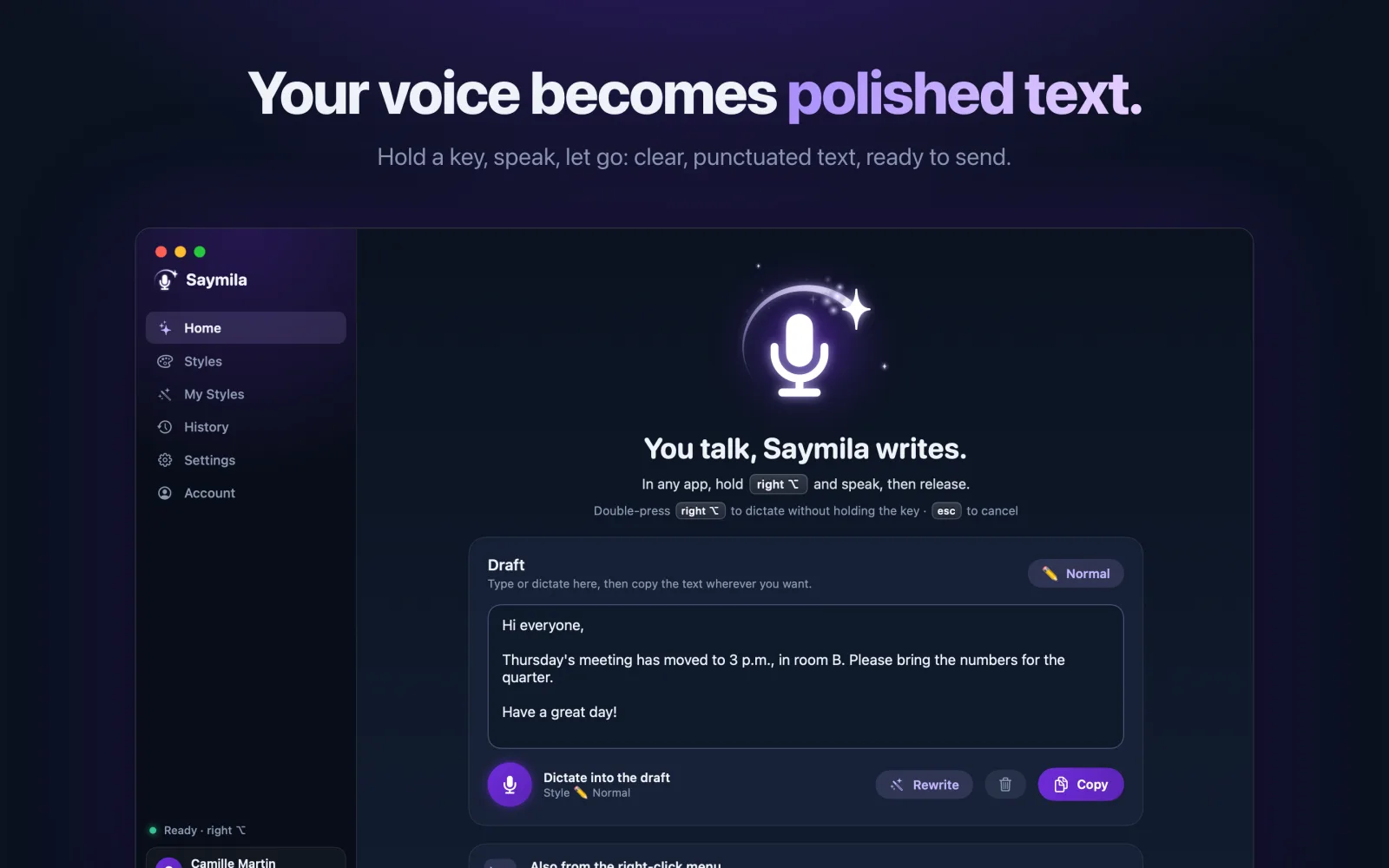
- Hold the right Option key (or the one you pick).
- Talk naturally, hesitations and all.
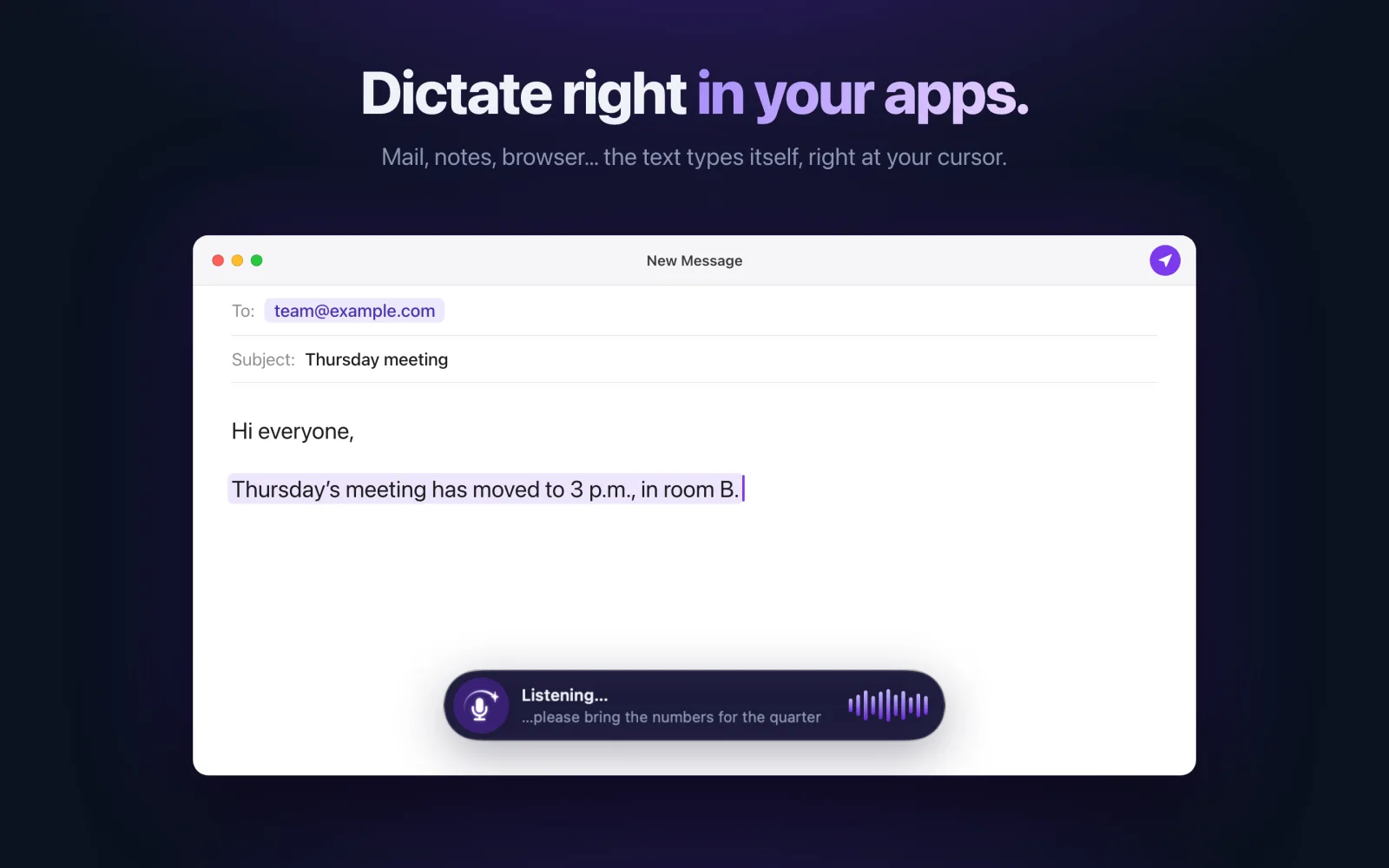
- Let go: the corrected text is typed wherever your cursor is.
It works in every app you can type in: Mail, Messages, Slack, your browser, your word processor…
Clean up text you already wrote
Select some text, right-click › Services: Saymila cleans it up, in any app. Handy for a message typed too fast.
Your voice stays on your Mac
Speech recognition is done by macOS, on your Mac: no audio recording is sent or kept. Only the transcribed text goes to our server to be cleaned up, and it is never stored there.
Saymila asks for Accessibility: it lets it hear its shortcut in every app and type the text wherever your cursor is. Nothing you type is recorded.
The same account as on your phone
Your plan, your styles and your word count are shared between your Mac and your phone. You can subscribe from your Mac, or keep the subscription you bought on iPhone or Android.
Frequently asked questions
Which macOS version do I need?
macOS 15 or later.
Where do I download Saymila for Mac?
From the Mac App Store: it is the same app as on iPhone.
Can I change the key?
Yes: the right Option key is the default, and you can pick another one.